
How to Translate OpenAI Responses in Real Time
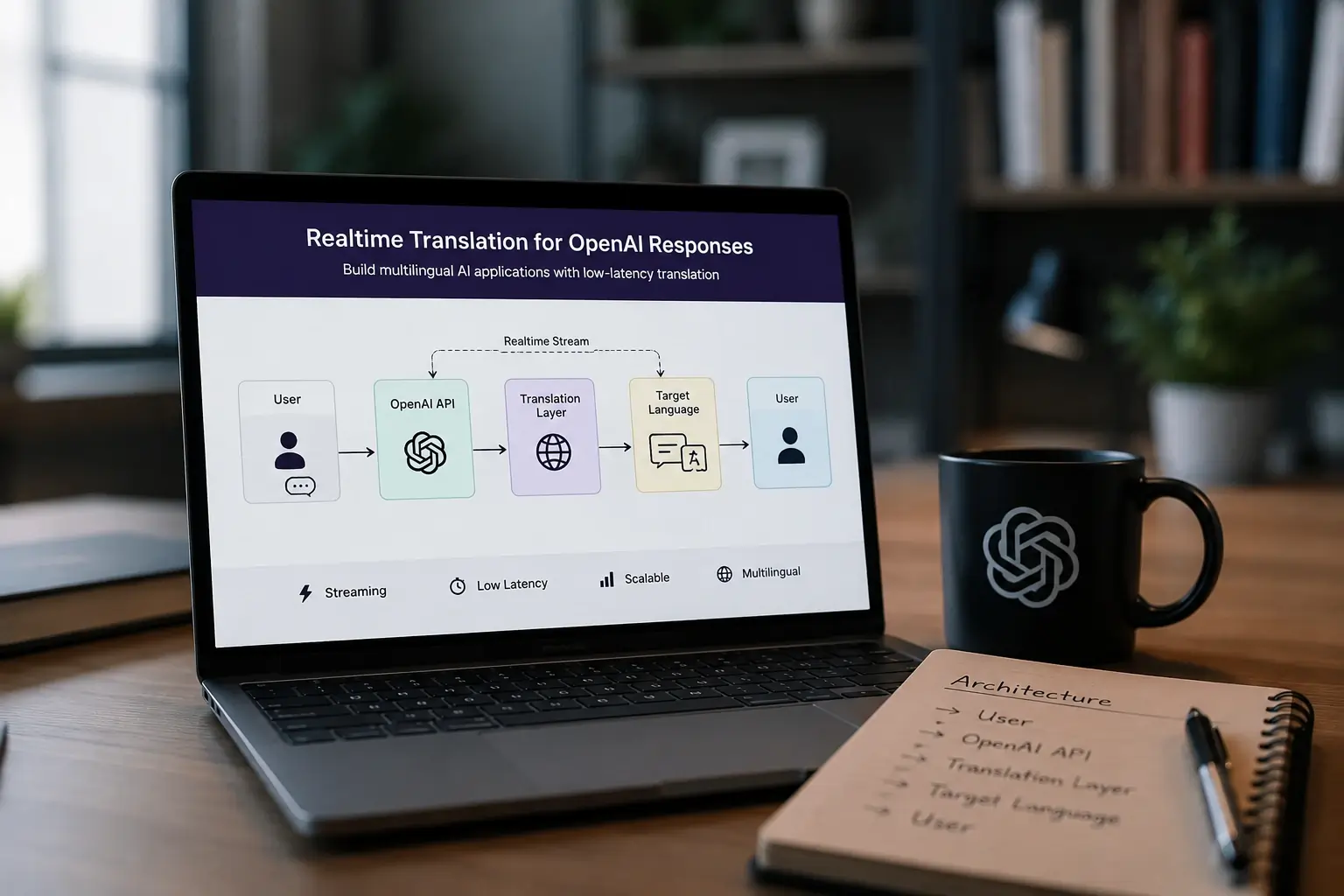
Multilingual AI applications are rapidly becoming standard for chatbots, copilots, customer support systems, and AI assistants. However, translating OpenAI responses in real time introduces new engineering challenges around latency, streaming, scalability, and user experience.
A simple "generate text then translate it" workflow is often too slow for production AI apps. Developers building multilingual AI systems need low-latency translation pipelines that can handle streaming responses, concurrent users, WebSocket delivery, and caching efficiently.
In this guide, we'll explore how to translate OpenAI responses in real time using a scalable translation middleware architecture suitable for multilingual AI applications.
Why Realtime AI Translation Matters
Modern AI applications increasingly serve users across multiple languages. Whether you're building:
- AI customer support
- multilingual chatbots
- SaaS copilots
- AI writing assistants
- gaming chat systems
- live collaboration tools
users expect responses instantly in their preferred language.
The problem is that AI-generated responses are dynamic. Unlike static website localization, AI responses must be translated on demand with minimal delay.
Poor translation architecture can introduce:
- slow response times
- message ordering issues
- streaming interruptions
- high translation costs
- scalability bottlenecks
This is why realtime AI translation requires a different architecture than traditional localization systems.
Architecture for Translating OpenAI Responses
A scalable multilingual AI application typically includes:
- Client application
- OpenAI API
- Translation middleware
- WebSocket server
- Translation cache
- Message delivery layer
The basic workflow looks like this:
- User sends a message
- OpenAI generates a response
- Translation middleware receives output
- Response is translated into the target language
- Translated content is streamed back to the client
- Cached translations reduce repeated API calls
This architecture helps reduce latency while supporting multilingual conversations at scale.
How Realtime AI Translation Works
The simplest implementation translates the complete OpenAI response after generation.
Example workflow:
While simple, this approach has drawbacks:
- noticeable delay
- poor streaming experience
- higher latency for long responses
A better approach is streaming translation.
With streaming workflows:
- OpenAI tokens arrive continuously
- text chunks are buffered
- partial translations are generated
- translated content streams to users in real time
This creates a smoother multilingual AI experience.
Building a Translation Middleware Layer
Instead of calling translation APIs directly from the frontend, production systems usually implement a middleware layer.
The middleware handles:
- language detection
- translation routing
- caching
- retries
- rate limiting
- batching
- analytics
This architecture makes it easier to switch between providers like TranslatePlus, Google Cloud Translation API, or DeepL API without changing frontend code.
Middleware also improves reliability and scalability for multilingual AI applications.
Streaming OpenAI Responses with Translation
Streaming AI responses improves perceived speed significantly.
Instead of waiting for a full response, users see translated content appear progressively.
Typical streaming pipeline:
OpenAI Stream
↓
Token Buffer
↓
Sentence Detection
↓
Translation Layer
↓
WebSocket Delivery
↓
Client UI
The biggest challenge is sentence segmentation.
Translating incomplete fragments can produce poor results, so many systems:
- buffer tokens temporarily
- wait for punctuation
- translate sentence-level chunks
This balances quality and latency.
Node.js Example for Realtime Translation
Below is a simplified example using Node.js.
import OpenAI from "openai";
import axios from "axios";

const openai = new OpenAI({
  apiKey: process.env.OPENAI_API_KEY,
});

async function translateText(text, source, target) {
  const response = await axios.post(
    "https://api.translateplus.io/v2/translate",
    { text, source, target },
    {
      headers: {
        "X-API-KEY": process.env.TRANSLATEPLUS_API_KEY,
        "Content-Type": "application/json",
      },
    }
  );

  return response.data.translations.translation;
}

async function generateTranslatedResponse(userMessage) {
  const completion = await openai.chat.completions.create({
    model: "gpt-4.1-mini",
    messages: [{ role: "user", content: userMessage }],
  });

  const aiText = completion.choices[0].message.content;

  const translated = await translateText(aiText, "en", "es");

  return translated;
}
Production systems typically add:
- streaming support
- WebSocket broadcasting
- retry handling
- caching
- concurrency limits
Reducing Translation Latency
Low latency is critical for realtime AI applications.
Several optimizations can dramatically improve performance.
1. Translation caching
Repeated prompts often generate similar responses.
Caching translated content reduces:
- API costs
- latency
- duplicate requests
Redis is commonly used for translation caching.
2. Parallel processing
Instead of sequential workflows (OpenAI → Translation), use concurrent processing where possible. Parallel architectures reduce total response time significantly.
3. Regional deployment
Deploy translation middleware close to users. This reduces network latency, TLS overhead, and cross-region delays.
Edge deployment can improve realtime chat performance substantially.
4. Request batching
Batching multiple translation requests improves throughput for support systems, community platforms, and multiplayer chat apps. Efficient batching also reduces infrastructure costs.
Caching AI Translations
Translation caching becomes increasingly important at scale.
A good caching strategy includes:
- normalized prompts
- language-specific keys
- expiration policies
- deduplication
Example cache key:
This prevents unnecessary translation requests for repeated AI responses.
Best Translation APIs for AI Applications
Choosing the right translation API depends on your workload.
Google Cloud Translation API
Best for enterprise ecosystems, broad language support, and Google Cloud integrations.
Potential drawbacks: character-based pricing and higher costs at scale.
DeepL API
Best for European language quality and premium translation accuracy.
Potential drawbacks: pricing for high-volume workloads and limited suitability for some realtime streaming use cases.
TranslatePlus
Best for realtime AI applications, multilingual chat systems, low-latency translation workflows, and scalable request-based usage.
Especially useful for AI copilots, multilingual assistants, customer support chat, and streaming AI apps.
Compare options in our best translation APIs guide.
Scaling Multilingual AI Chatbots
As multilingual AI applications grow, infrastructure complexity increases.
Production systems often include:
- Redis pub/sub
- distributed WebSocket servers
- translation queues
- horizontal scaling
- regional failover
- analytics pipelines
Monitoring is also important. Track:
- translation latency
- cache hit ratio
- concurrent users
- streaming delays
- provider response times
These metrics help optimize realtime AI performance.
Common Challenges in Realtime AI Translation
Translation quality drift
Streaming partial sentences can reduce quality. Sentence-aware buffering helps maintain translation accuracy.
High translation costs
Character-based pricing can become expensive for AI-generated content. Caching and batching reduce unnecessary usage.
Message ordering
Concurrent translations may arrive out of sequence. Message IDs and ordered delivery queues help maintain consistency.
WebSocket synchronization
Large-scale chat systems require efficient WebSocket infrastructure to avoid delivery delays.
Final Thoughts
Realtime AI translation is becoming a core requirement for modern multilingual applications. As AI assistants, copilots, and support systems expand globally, developers need translation architectures that prioritize low latency, scalability, and streaming support.
A robust translation middleware layer combined with caching, WebSockets, and efficient API routing can dramatically improve user experience in multilingual AI applications.
Whether you're building multilingual AI chatbots, realtime support systems, AI copilots, or collaborative SaaS tools, the right translation architecture plays a major role in performance and scalability.
For developers building realtime multilingual AI systems, platforms like TranslatePlus can help simplify low-latency translation workflows for modern AI applications.